SmartShort.ai Review: Speed vs Reliability in AI Video Creation
The AI video generation landscape is exploding with new platforms promising to revolutionize content creation. SmartShort.ai has emerged as one of the contenders in this competitive space, offering automated short-form video generation for social media platforms. But does speed always equal quality? In this comprehensive review, we'll examine SmartShort.ai's capabilities, limitations, and how it stacks up against other AI video generators in the market.
With short-form video content dominating social media platforms like TikTok, Instagram Reels, and YouTube Shorts, creators and businesses are searching for efficient ways to produce engaging content at scale. SmartShort.ai promises to deliver AI-powered video creation that transforms text into viral-ready shorts. However, as with any emerging technology, it's crucial to understand both the potential and the pitfalls before committing your time and resources.
What is SmartShort.ai and How Does It Work?
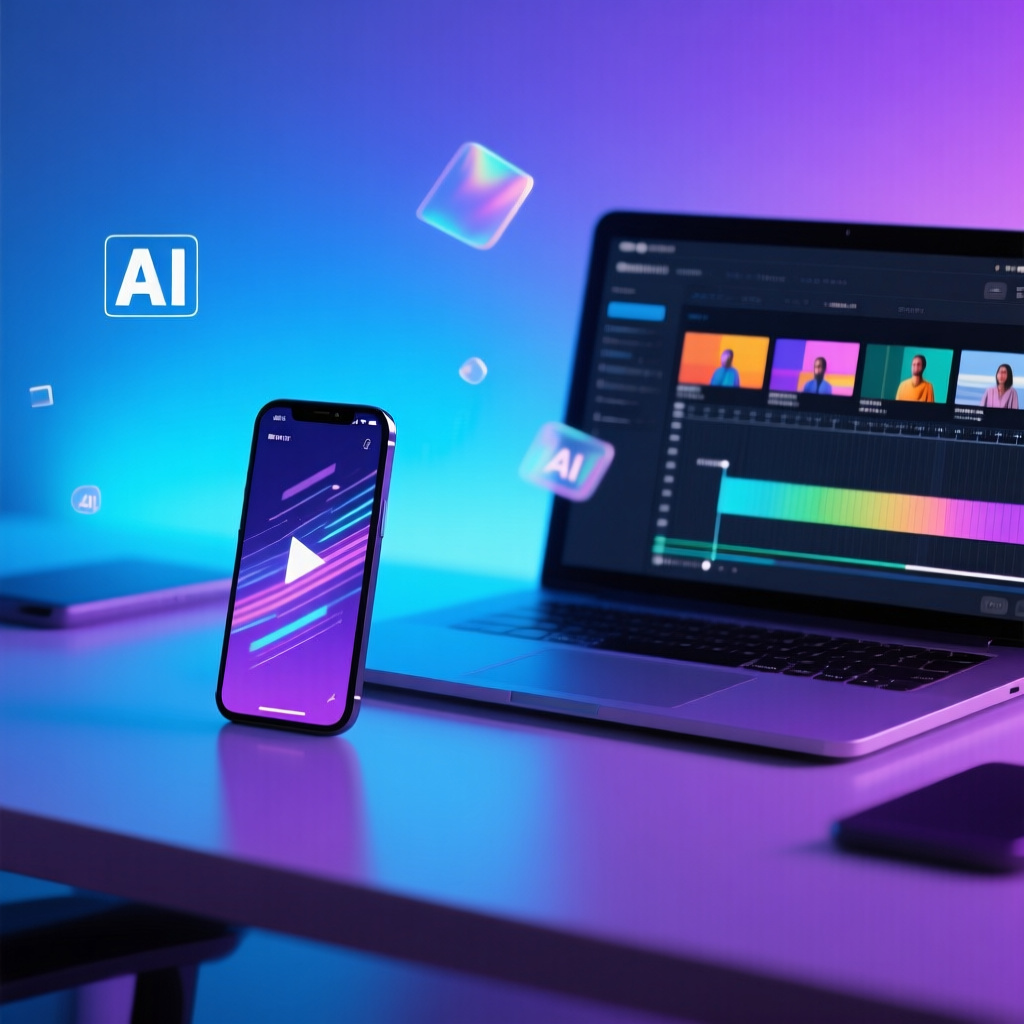
SmartShort.ai is an AI-powered video generation platform designed to create short-form content for social media. The platform uses artificial intelligence to convert text inputs, scripts, or prompts into complete video productions with visuals, voiceovers, captions, and background music. The core promise is simple: automate the tedious aspects of video creation so creators can focus on strategy and distribution.
The platform's workflow typically involves entering a topic or script, selecting style preferences, and allowing the AI to generate video content automatically. SmartShort.ai claims to streamline the entire production process, reducing what might take hours in traditional video editing to just minutes. However, the actual user experience reveals several important considerations that potential users should understand before diving in.
Key Features of SmartShort.ai
- Text-to-video conversion with automated script processing
- AI-generated voiceovers with multiple voice options
- Automated caption generation and synchronization
- Stock footage and image integration
- Background music library with licensing included
- Multiple aspect ratio support for different platforms

SmartShort.ai Performance: Speed and Output Quality
One of SmartShort.ai's primary selling points is generation speed. The platform can produce a 30-60 second video in approximately 2-5 minutes, depending on server load and content complexity. This is undeniably fast compared to manual video editing, which could take 30 minutes to several hours for similar output. However, speed comes with trade-offs that users should carefully consider.
The quality of generated videos varies significantly based on several factors. When SmartShort.ai works well, it produces serviceable content suitable for social media posting. The AI selects relevant stock footage, synchronizes captions reasonably well, and applies transitions that create a cohesive flow. However, users frequently report inconsistencies in visual relevance, awkward voiceover pacing, and limited customization options that can make videos feel generic.
A critical limitation is the platform's reliability. Multiple user reviews mention occasional system crashes, generation failures, and unpredictable output quality. While these issues don't affect every video, they can disrupt workflow and create frustration when working under deadlines. The platform also lacks advanced editing features, meaning if the initial generation isn't satisfactory, your options for refinement are limited.
Pricing, Limitations, and User Considerations
SmartShort.ai operates on a subscription model with tiered pricing based on video generation volume. The entry-level plans typically allow 10-30 videos per month, while higher tiers increase this limit and add features like priority generation and enhanced voice options. Pricing generally ranges from $29 to $99+ per month, which positions it in the mid-range of AI video generators.
However, several limitations should inform your decision. First, the platform offers minimal control over visual style and aesthetic choices. Unlike more advanced tools, you can't fine-tune specific visual elements or customize branding extensively. Second, the stock footage library, while adequate, can feel repetitive if you're producing high volumes of content. Third, the voiceover quality, though functional, lacks the natural cadence and emotional range of premium AI voice generators or human narrators.
The platform also faces challenges with content accuracy. The AI sometimes selects visuals that don't perfectly match the script context, requiring manual review and potentially regeneration. For businesses focused on brand consistency and professional presentation, this unpredictability can be problematic. Additionally, commercial licensing terms should be carefully reviewed, as some plans may restrict certain types of commercial use.
Who Should Use SmartShort.ai?
- Content creators testing video formats before committing to production
- Small businesses needing quick social media content without video expertise
- Marketers running volume-based content strategies where speed matters more than perfection
- Educators and trainers creating simple explainer videos
- Social media managers maintaining consistent posting schedules
SmartShort.ai vs Alternative AI Video Generators
The AI video generation market includes numerous competitors, each with distinct strengths. When comparing SmartShort.ai to alternatives, several key differences emerge. Platforms like Pictory and InVideo offer more robust editing capabilities and greater visual customization, though they may require steeper learning curves. Tools like Lumen5 excel at blog-to-video conversion with cleaner interfaces, while Synthesia specializes in AI avatar presentations for corporate content.
Where SmartShort.ai aims for speed and simplicity, it sometimes sacrifices control and consistency. For creators prioritizing brand identity and visual precision, platforms with more granular editing options may prove more valuable despite longer production times. However, SmartShort.ai's streamlined workflow does offer advantages for users who need to produce large quantities of content quickly and are willing to accept some variation in output quality.
This is where platforms like Qlipsy.ai differentiate themselves by addressing many of SmartShort.ai's limitations. Qlipsy takes a more strategic approach to AI video generation by allowing users to set up automated video series with highly optimized prompts and scheduling capabilities. Rather than generating one-off videos with unpredictable results, Qlipsy enables creators to establish consistent content pipelines with quality-controlled outputs. The platform's emphasis on prompt optimization ensures better visual relevance, while scheduled generation maintains posting consistency without manual intervention. For businesses and creators seeking both automation and reliability, Qlipsy's scheduled series approach offers a more sustainable solution than SmartShort.ai's speed-focused model.
Best Practices for Using SmartShort.ai Effectively
To maximize results with SmartShort.ai, users should adopt specific strategies that work within the platform's strengths and limitations. First, invest time in crafting clear, well-structured scripts. The AI performs better with organized content that has distinct segments and clear messaging. Avoid overly complex narratives or technical jargon that might confuse the visual selection algorithm.
Second, always generate multiple versions of important videos. Since output quality can vary, creating 2-3 versions and selecting the best one significantly improves final results. This approach treats SmartShort.ai as a rapid prototyping tool rather than a one-shot solution. Third, supplement AI-generated content with manual quality checks. Review captions for accuracy, ensure visual relevance, and verify that the voiceover pacing matches your intended message.
For optimal performance, structure your content calendar around the platform's capabilities. Use SmartShort.ai for volume-based content like daily tips, news updates, or educational snippets where speed matters more than perfection. Reserve manual editing or more capable platforms for flagship content, product launches, or brand-critical videos. This hybrid approach leverages SmartShort.ai's efficiency while maintaining quality standards where they matter most.
Tips for Better SmartShort.ai Results
- Write scripts with clear visual cues and descriptive language
- Keep videos between 30-45 seconds for best AI performance
- Use consistent formatting in scripts to help AI pattern recognition
- Generate during off-peak hours for faster processing and better server response
- Create templates for recurring content types to streamline workflow
- Review generated videos on mobile devices where most viewers will watch
Frequently Asked Questions
How long does it take to generate a video with SmartShort.ai?
SmartShort.ai typically generates a 30-60 second video in 2-5 minutes, depending on current server load and content complexity. During peak usage times, generation may take slightly longer. The platform processes text-to-speech, visual selection, and synchronization simultaneously, which contributes to the relatively fast turnaround compared to manual editing methods.
Can I customize the visual style in SmartShort.ai videos?
SmartShort.ai offers limited customization options compared to professional video editing software. You can select general style preferences and voice options, but you cannot fine-tune specific visual elements, color schemes, or transitions. The platform prioritizes automation over customization, which means you have less control over the final aesthetic. For users requiring extensive branding and visual control, more advanced platforms may be necessary.
Does SmartShort.ai include commercial licensing for generated videos?
Commercial licensing terms vary by subscription tier. Most paid plans include commercial usage rights for the videos you generate, including the stock footage, music, and voiceovers used. However, you should carefully review the specific terms of your plan, as some restrictions may apply to certain types of commercial use, resale, or redistribution. Always check the current licensing agreement before using generated content for commercial purposes.
What happens if SmartShort.ai generates a video I'm not satisfied with?
Most SmartShort.ai plans count each generation toward your monthly limit, regardless of whether you're satisfied with the result. The platform does not typically offer unlimited regenerations. Your best strategy is to generate multiple versions of important content and select the best output. Some users report that revising the script and regenerating can improve results, but this consumes additional generation credits. Understanding this limitation is crucial for budgeting your monthly video production.
Is SmartShort.ai suitable for professional business content?
SmartShort.ai works best for volume-based content where speed matters more than perfection. For professional business presentations, flagship brand content, or client-facing materials, the platform's limitations in customization and consistency may be problematic. However, it can be effective for social media content, internal communications, or preliminary concepts. Many businesses use SmartShort.ai alongside other tools, reserving it for specific use cases rather than all video needs.
How does SmartShort.ai compare to hiring a video editor?
SmartShort.ai offers significant cost and time savings compared to hiring professional video editors, especially for high-volume content production. A professional editor might charge $50-200+ per short video and require days for delivery, while SmartShort.ai generates videos in minutes for a fixed monthly fee. However, professional editors provide superior customization, brand consistency, and creative input. The choice depends on your priorities: speed and volume versus quality and uniqueness.
Can SmartShort.ai handle multiple languages and international content?
SmartShort.ai supports multiple languages through its AI voiceover system, though the quality and naturalness vary by language. English typically produces the best results, while other languages may have more robotic-sounding voiceovers or less accurate pronunciation. The platform's visual selection works across languages, but caption styling and text-heavy content may face formatting challenges. For international content, test the platform with your target language before committing to a subscription.
Conclusion: Is SmartShort.ai Right for Your Video Strategy?
SmartShort.ai represents the trade-offs inherent in current AI video generation technology: impressive speed and convenience balanced against limited customization and occasional inconsistency. For creators and businesses focused on volume-based content strategies, the platform offers genuine value by dramatically reducing production time and costs. However, users seeking precise control over visual branding, professional polish, or consistent output quality may find the platform's limitations frustrating.
The platform works best as part of a hybrid content strategy rather than a complete solution. Use SmartShort.ai for rapid prototyping, testing content ideas, or producing daily social media updates where speed matters. Reserve manual editing or more sophisticated platforms for flagship content, product launches, and brand-critical communications. This approach leverages the platform's strengths while mitigating its weaknesses.
When evaluating SmartShort.ai against alternatives, consider your specific needs and priorities. If speed and simplicity are paramount, SmartShort.ai delivers on its core promise. However, platforms like Qlipsy.ai offer a more strategic approach by combining automation with reliability through scheduled video series and optimized prompts. Qlipsy's focus on consistent, quality-controlled content pipelines addresses many of the reliability concerns that SmartShort.ai users encounter. Rather than trading speed for unpredictability, Qlipsy enables creators to establish automated workflows that maintain both efficiency and quality standards. For businesses building long-term content strategies, this balance of automation and consistency often proves more valuable than raw generation speed alone.
Ready to Create Your Own Videos?
Join thousands of creators using Qlipsy to generate engaging short-form videos with AI. Transform your ideas into viral-ready content in minutes, not hours.