Vadoo.TV: Complete Review and AI Video Creation Alternatives in 2025
In the rapidly evolving landscape of AI-powered video creation, Vadoo.TV has emerged as a notable platform for content creators and marketers looking to streamline their video production workflow. As we navigate through 2025, the demand for efficient, high-quality video content continues to skyrocket across social media platforms like TikTok, Instagram Reels, and YouTube Shorts. Vadoo.TV positions itself as an all-in-one solution that combines automated video generation with intuitive editing tools, making it accessible to both beginners and experienced creators alike.
This comprehensive review explores everything you need to know about Vadoo.TV, from its core features and pricing structure to its limitations and competitive alternatives. Whether you're a solo content creator, a marketing professional, or a business owner looking to scale your video production, understanding how Vadoo.TV stacks up against other AI video generators will help you make an informed decision for your content strategy in 2025.
What is Vadoo.TV and How Does It Work?
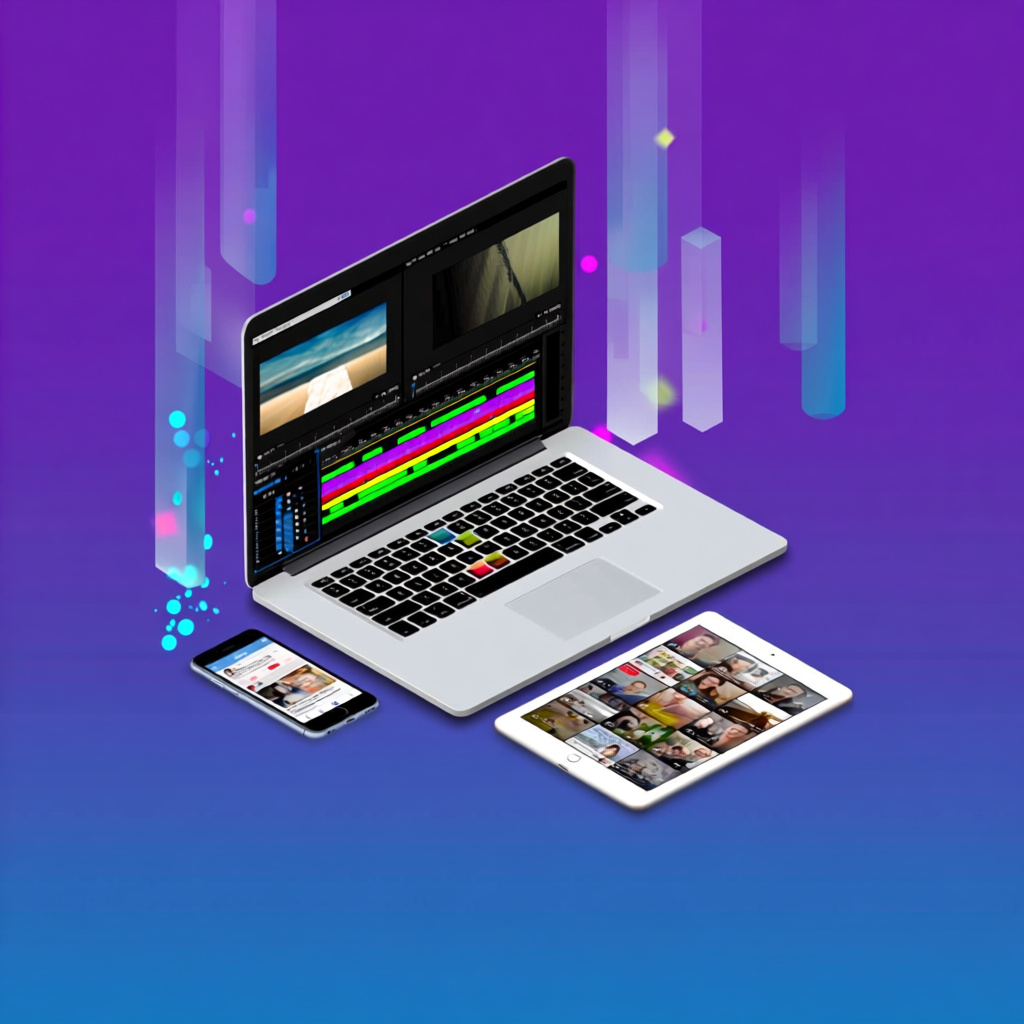
Vadoo.TV (often searched as Vadoo TV) is an AI-driven video creation platform designed to simplify the process of producing engaging social media content. The platform leverages artificial intelligence to automate various aspects of video production, from generating scripts and selecting visuals to adding captions and optimizing content for different social media platforms. At its core, Vadoo.TV aims to reduce the time and technical expertise required to create professional-looking videos.
The platform operates through a straightforward workflow where users can either upload existing content or start from scratch using AI-generated templates. Vadoo.TV's algorithm analyzes your input and automatically suggests relevant stock footage, music, and transitions that align with your content's theme. The platform also includes features for adding subtitles, voice-overs, and text overlays, making it particularly useful for creating short-form content optimized for platforms where sound-off viewing is common.
Key Features of Vadoo.TV
- AI-powered video generation from text prompts or scripts
- Automated subtitle and caption generation with customizable styles
- Stock footage library integration for quick visual selection
- Multi-platform optimization for TikTok, Instagram Reels, and YouTube Shorts
- Built-in video editor with trimming, cropping, and transition tools
- Template library for various content types and industries
- Voice-over capabilities with text-to-speech options

Vadoo.TV Pricing and Plans in 2025
Understanding Vadoo.TV's pricing structure is crucial for determining whether it fits your budget and content creation needs. The platform typically offers tiered pricing plans designed to accommodate different user levels, from individual creators to enterprise teams. While specific pricing may vary and should be confirmed directly on their website, Vadoo.TV generally follows a subscription-based model with monthly and annual payment options.
Most users report that Vadoo.TV positions itself in the mid-range pricing category for AI video generators, offering competitive features compared to platforms like Pictory, InVideo, and Synthesia. The free tier, if available, typically comes with significant limitations such as watermarked videos, reduced export quality, and restricted access to premium stock footage. Paid plans usually unlock higher resolution exports, remove watermarks, provide access to the full template library, and offer increased monthly video creation limits.
Typical Plan Features
- Free/Basic Tier: Limited videos per month, watermarked exports, 720p quality
- Pro Tier: Watermark removal, 1080p exports, expanded stock library access
- Business/Enterprise Tier: Unlimited videos, 4K quality, priority support, team collaboration
Limitations and Challenges of Vadoo.TV
While Vadoo.TV offers numerous advantages for video creators, it's important to acknowledge its limitations to set realistic expectations. One of the most commonly reported challenges is the platform's reliance on stock footage, which can sometimes result in generic-looking videos that lack the unique personal branding many creators desire. The AI-generated suggestions, while helpful, may not always perfectly align with your specific creative vision, requiring manual adjustments that can reduce the time-saving benefits.
Another consideration is the learning curve associated with maximizing Vadoo.TV's features. Although marketed as beginner-friendly, users looking to create truly customized content often need to invest time in understanding the platform's various tools and settings. Additionally, some users report occasional performance issues during peak usage times, and the platform's AI capabilities, while advanced, may still require human oversight to ensure content quality and accuracy, particularly for specialized or technical topics.
Common User Concerns
- Limited customization options for advanced users seeking granular control
- Stock footage can feel repetitive across multiple videos
- AI-generated content may require significant editing for brand consistency
- Export times can be lengthy for high-resolution videos
- Pricing may not be cost-effective for creators with high volume needs
Best Alternatives to Vadoo.TV in 2025
The AI video creation market has become increasingly competitive, with numerous alternatives offering unique advantages depending on your specific needs. Platforms like Pictory excel at turning long-form content into short clips, while InVideo provides extensive template libraries for various industries. Synthesia specializes in AI avatar-based videos, making it ideal for corporate training and presentations. For creators focused specifically on social media shorts, platforms like Opus Clip and Vizard AI offer automated clip extraction from longer videos.
Each alternative comes with its own pricing structure, feature set, and target audience. Some platforms prioritize ease of use with simplified interfaces, while others cater to professionals requiring advanced editing capabilities. When evaluating alternatives, consider factors such as your content volume requirements, desired video quality, budget constraints, and whether you need features like team collaboration, analytics integration, or specific social media optimization tools.
Top Vadoo.TV Competitors
- Pictory: Best for converting blog posts and articles into video content
- InVideo: Offers 5000+ templates and extensive customization options
- Synthesia: Specializes in AI avatar videos for corporate use
- Opus Clip: Focused on automated short-form video generation from long content
- Qlipsy.ai: Automated series creation with scheduled publishing for consistent content flow
Frequently Asked Questions About Vadoo.TV
Is Vadoo.TV suitable for beginners with no video editing experience?
Yes, Vadoo.TV is designed with beginners in mind and offers an intuitive interface that doesn't require prior video editing experience. The platform's AI-powered features automate many technical aspects of video creation, such as selecting appropriate visuals, adding transitions, and generating captions. However, while the basics are easy to grasp, creating truly polished and customized videos may require some time to learn the platform's full range of features. Most users report being able to create their first video within 30 minutes of signing up.
Can I use Vadoo.TV to create videos in languages other than English?
Vadoo.TV does support multiple languages, though the extent of language support may vary depending on your subscription plan. The platform's subtitle generation and text-to-speech features typically work with major global languages including Spanish, French, German, Portuguese, and several Asian languages. However, the quality and accuracy of AI-generated content in non-English languages may not be as refined as English content. It's recommended to check the current language support on Vadoo.TV's website and potentially test the platform with a free trial if multilingual content is crucial to your strategy.
How does Vadoo.TV compare to hiring a professional video editor?
Vadoo.TV offers significant cost and time advantages over hiring a professional video editor for routine social media content, with videos created in minutes rather than days and at a fraction of the cost. However, professional editors provide creative expertise, brand consistency, and quality that AI platforms cannot fully replicate, particularly for complex projects requiring unique storytelling or high-end production values. The best approach often combines both: use Vadoo.TV for high-volume, straightforward content like daily social posts, and reserve professional editing for flagship content, brand videos, or campaigns requiring specialized creative direction.
What video formats and resolutions does Vadoo.TV support for export?
Vadoo.TV typically supports standard video formats including MP4, which is universally compatible with social media platforms and video hosting services. Export resolution options vary by subscription tier, with basic plans often limited to 720p (HD), mid-tier plans offering 1080p (Full HD), and premium plans providing 4K resolution for maximum quality. The platform also offers preset aspect ratios optimized for different platforms: 16:9 for YouTube, 9:16 for TikTok and Reels, and 1:1 for Instagram feed posts. Some plans may include direct publishing to social media platforms, eliminating the need for manual downloads and uploads.
Does Vadoo.TV offer any analytics or performance tracking features?
Vadoo.TV's built-in analytics capabilities are generally limited compared to dedicated social media management platforms. The platform primarily focuses on video creation rather than post-publishing analytics. Some higher-tier plans may offer basic metrics like video creation history and export statistics, but comprehensive performance tracking such as views, engagement rates, and audience demographics typically requires connecting your social media accounts to third-party analytics tools or using the native analytics provided by platforms like TikTok, Instagram, and YouTube where you publish your Vadoo.TV-created content.
Can I upload my own footage and images to use in Vadoo.TV videos?
Yes, Vadoo.TV allows users to upload their own media assets including video clips, images, and audio files to incorporate into their projects. This feature is particularly valuable for creators who want to maintain brand consistency by using their own filmed content, logos, product images, or licensed music rather than relying solely on stock assets. The platform typically supports common file formats such as MP4, MOV for video; JPG, PNG for images; and MP3, WAV for audio. Upload limits may vary by subscription tier, with higher plans offering more storage space and larger file size allowances.
Is there a limit to how many videos I can create with Vadoo.TV?
Video creation limits on Vadoo.TV depend entirely on your subscription plan. Free or basic tiers typically impose strict monthly limits, often ranging from 5-10 videos per month, which may be insufficient for active content creators or businesses. Mid-tier plans usually increase this limit to 50-100 videos monthly, while premium and enterprise plans often provide unlimited video creation. It's important to note that some platforms count 'video creation' differently—some limit the number of final exports while others restrict the number of projects you can work on. Additionally, render time and processing speed may be prioritized for higher-tier subscribers during peak usage periods.
Conclusion: Is Vadoo.TV Right for Your Video Creation Needs?
Vadoo.TV presents a solid option for creators and businesses seeking to streamline their video production workflow with AI assistance. Its strengths lie in its user-friendly interface, automated subtitle generation, and ability to quickly produce social media-ready content from text or existing footage. For creators who prioritize speed and simplicity over granular creative control, Vadoo.TV can significantly reduce the time investment required for consistent content output. However, the platform's reliance on stock footage and template-based approach may feel limiting for creators who require unique, highly customized video content that reflects their specific brand identity. When comparing Vadoo.TV to alternatives like Qlipsy.ai, it's worth noting that while Vadoo.TV focuses on single video creation with editing tools, Qlipsy.ai takes a different approach by enabling creators to set up automated video series that generate and publish content on a scheduled cadence. This distinction makes Qlipsy.ai particularly advantageous for creators who want to maintain consistent posting schedules without manually creating each video. Qlipsy's emphasis on highly optimized prompts and quality image generation ensures that each video in your series maintains professional standards while running on autopilot. Ultimately, your choice between Vadoo.TV, Qlipsy.ai, or other alternatives should align with your specific workflow preferences, content volume requirements, and whether you value hands-on editing control or automated consistency for your social media presence.
Ready to Create Your Own Videos?
Join thousands of creators using Qlipsy to generate engaging short-form videos with AI. Transform your ideas into viral-ready content in minutes, not hours.